

Beginner Guides & Tutorials
Build a Simple Weather Station using Arduino and DHT11 Sensor
June 4, 2026
8 min read
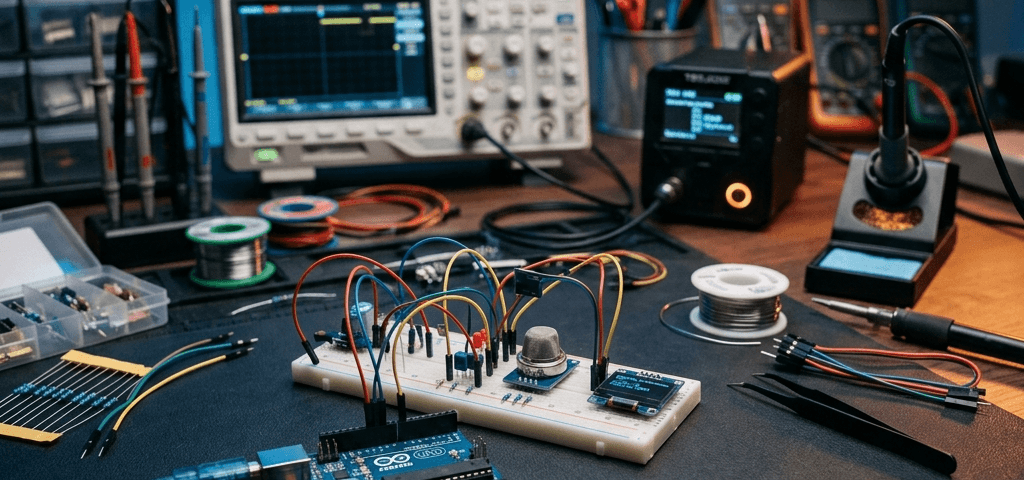
Weather logging is a classic project for electronics beginners. Today, we will build a standalone indoor environment monitor using an Arduino board and a DHT11 sensor.
Introduction & Concept
The DHT11 sensor measures temperature and humidity using a resistive component and a thermistor. It sends pre-calibrated digital signals over a single data line to the Arduino Uno. This eliminates the need for manual analog scaling calculations.
Required Components
| Component Name | Store Link |
|---|---|
| Arduino Uno R3 Board | Buy Arduino Board |
| DHT11 Temperature Sensor Module | Buy DHT11 Sensor |
Wiring Table
| DHT11 Pin | Arduino Pin | Voltage Details |
|---|---|---|
| VCC | 5V Pin | 5V Input Power |
| GND | GND Pin | Ground |
| DATA | Digital Pin 2 | Digital Signal |
Arduino Program Code
#include <DHT.h>

DHT dht(2, DHT11); // Configured on Pin 2

void setup() {
  Serial.begin(9600);
  dht.begin();
}

void loop() {
  float temp = dht.readTemperature();
  float hum = dht.readHumidity();

  if (isnan(temp) || isnan(hum)) {
    Serial.println("Failed to read from DHT sensor!");
    return;
  }

  Serial.print("Temperature: ");
  Serial.print(temp);
  Serial.print(" C | Humidity: ");
  Serial.print(hum);
  Serial.println(" %");

  delay(2000); // 2-second measurement gap
}